01 / FIND YOUR SPARKA blank canvas?
A blank canvas?
Or a flying start.
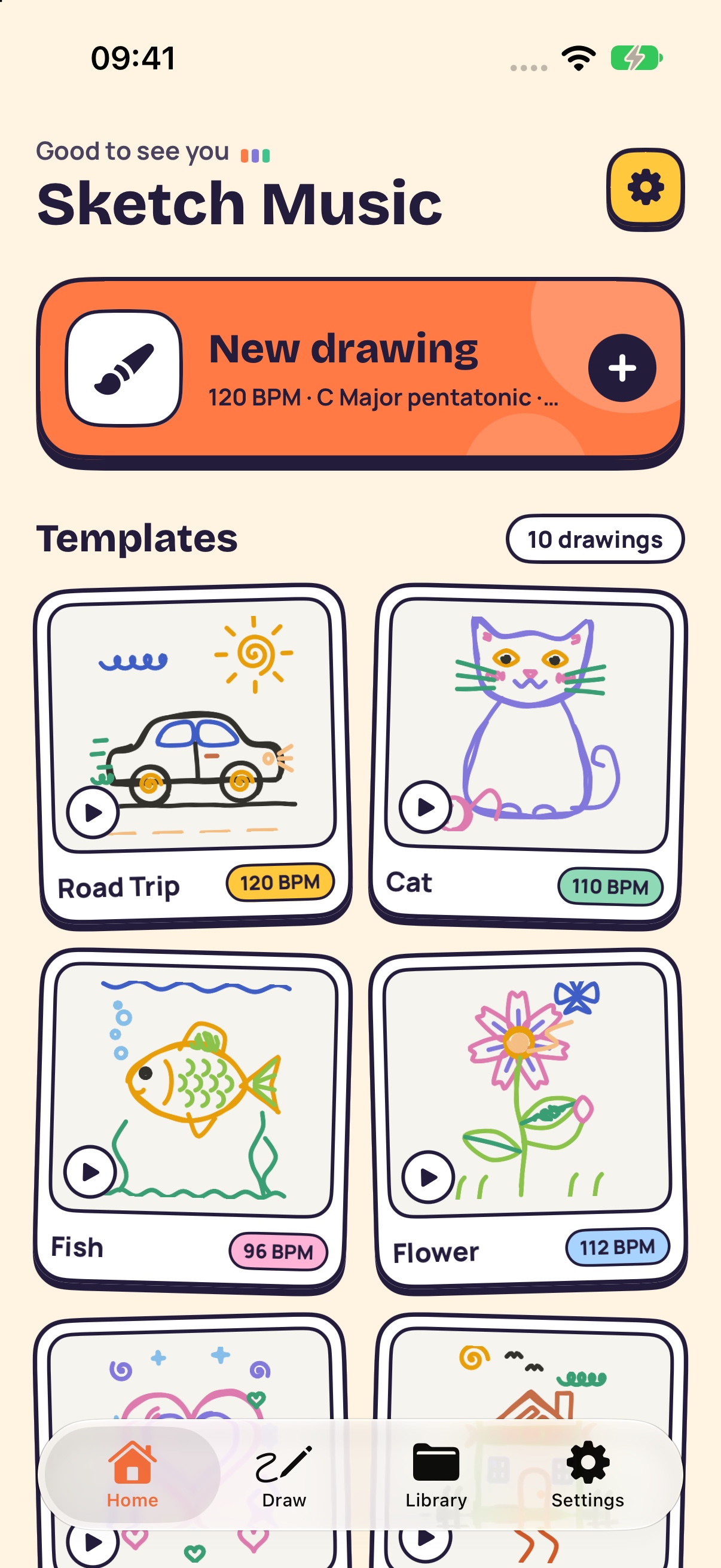
Pick a playful template or make something entirely your own.
 Sketch Music
A cat can be a melody. A flower can find a groove. Turn your colorful ideas into music, one playful stroke at a time.
Meet Sketch MusicMade for iPhone · Coming to the App Store
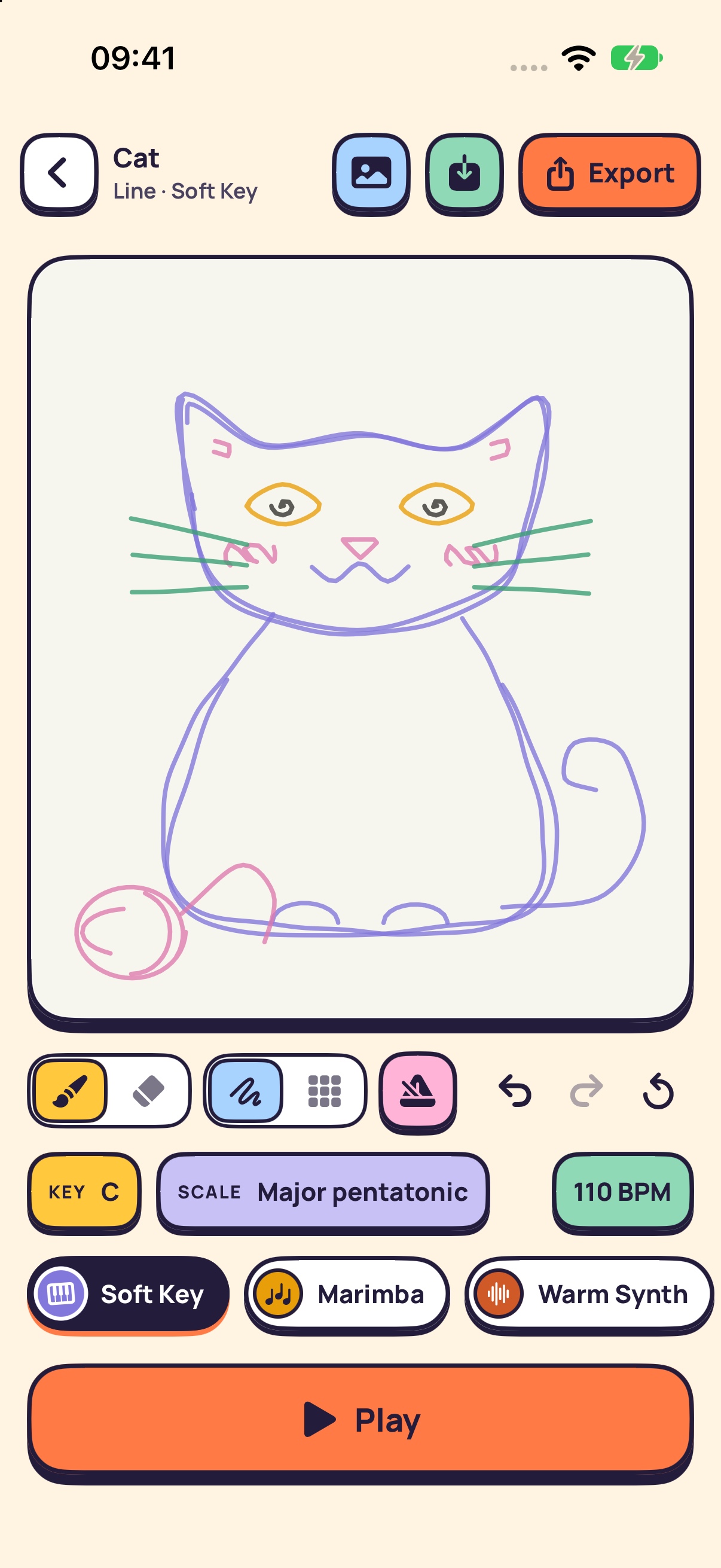
Start with a shape you love.
See where the sound takes you.
Pick a playful template or make something entirely your own.
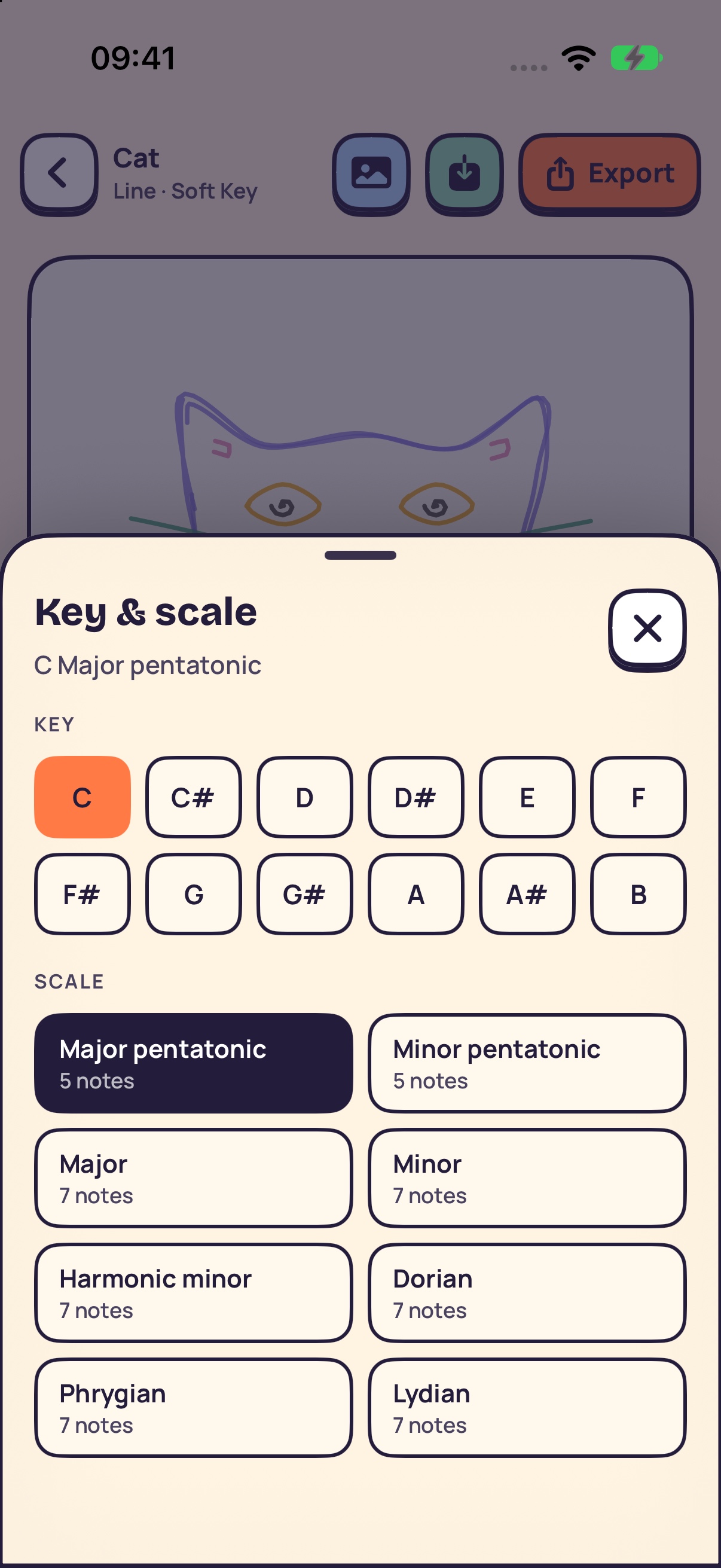
Explore 13 instruments, 11 scales, and backing beats. A little change, a whole new mood.
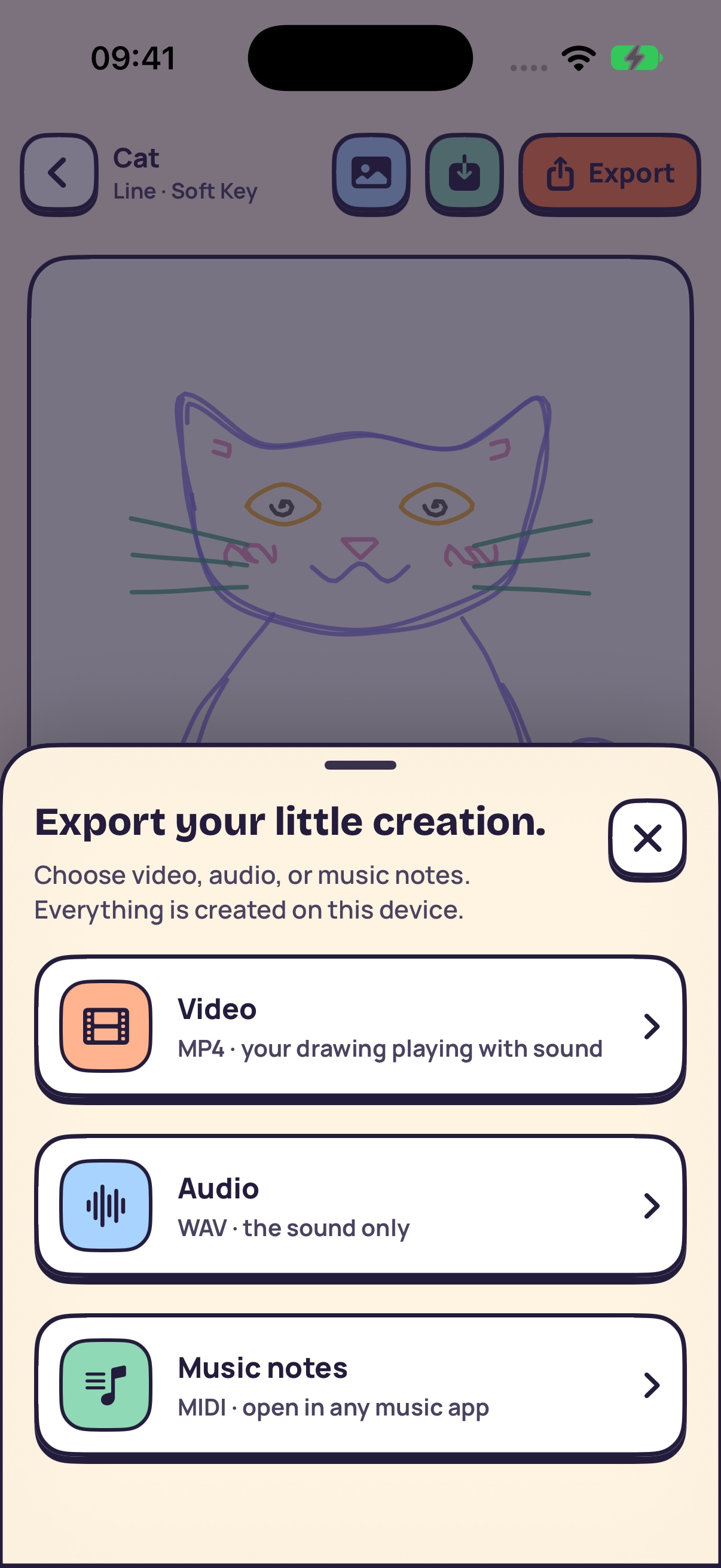
Keep the picture and the melody together as a video. Save the sound. Or take the notes into your next musical idea.
Light or dark. Colors or photo backgrounds. Make space for your own style.
Choose your language right inside the app, and get back to creating.
Create without an account. Your drawings and music are processed on your device. See our privacy policy for advertising and service details.
Need help with a drawing, playback, or an export? Email us at ndhuynh13@gmail.com. Include your iPhone model, iOS version, app version, and what happened. You can attach a screenshot if it helps. Please do not send passwords or sensitive information.
Choose a template on Home, or tap New drawing to start from scratch. Select an instrument, draw on the canvas, and press Play. Try changing the key, scale, tempo, or backing beats to explore different sounds.
Saved drawings appear in Library under Draft. Completed exports appear under Library files. From a file’s menu, choose Share or Save to Files to send or keep a copy elsewhere.
Camera access is optional and only used for a drawing background. If you previously declined permission, open iOS Settings and allow camera access for Sketch Music. You can also choose a photo using the system photo picker, or use a color background.
No app account or subscription is required. Monetization-enabled builds offer optional rewarded ads and a one-time lifetime purchase for premium features and ad removal. Your drawings and music are processed on your device. Read our Privacy Policy for details.
Open Settings in Sketch Music, then Language. Choose a language or follow your device language. The change applies immediately and is saved for your next visit.